
Star Trek: Deep Space Nine Passwords
Choose Password on the title screen. Press Up to cycle each letter, Right to move to the next letter and Start to confirm; when ACCEPTED appears press Start to return to the title screen and choose Start game.
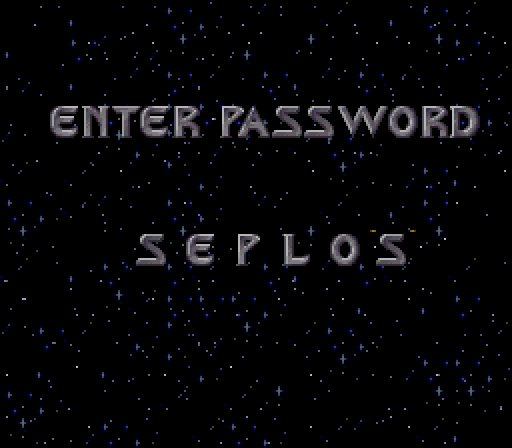
This is what the password screen looks like with a successful password being entered.
Mission Passwords
Mission 1: NUHHOM
Mission 2: SEPLOS
Mission 3: YOSMIS
Mission 4: VANDAQ
Mission 5: BIQPUM
Mission 6: DISYIB
Mission 7: NUDJIB
Mission 8: VESDUJ
Mission 9: YOTHOM
Mission 10: QUVMOH