
Adventures of Batman and Robin Passwords
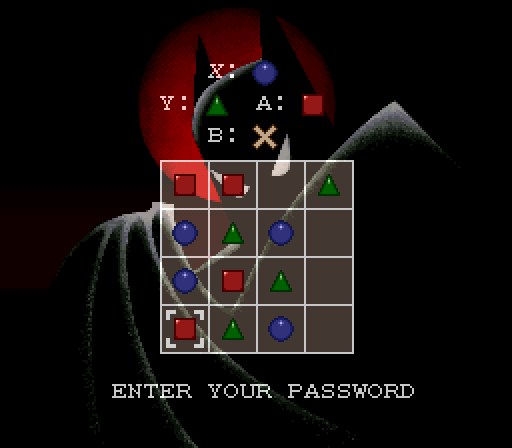
Choose Password on the title menu. The grid is 4 by 4: press A for the red square, X for the blue circle, Y for the green triangle and B to clear a cell, move with the D-pad, then press Start. Stage 1 needs no password.
This is what the password screen looks like with a successful password being entered.
Password pictures:
Adventures of Batman and Robin Level Passwords