
Light Crusader Guides and Walkthroughs
This page here will share minor tidbits, tricks, cheats and hints about Light Crusader. As with many of the other guides on my website these are designed to be very google friendly. If you're stuck, and googling to get done a certain part of the game, that's hopefully how you found this guide!
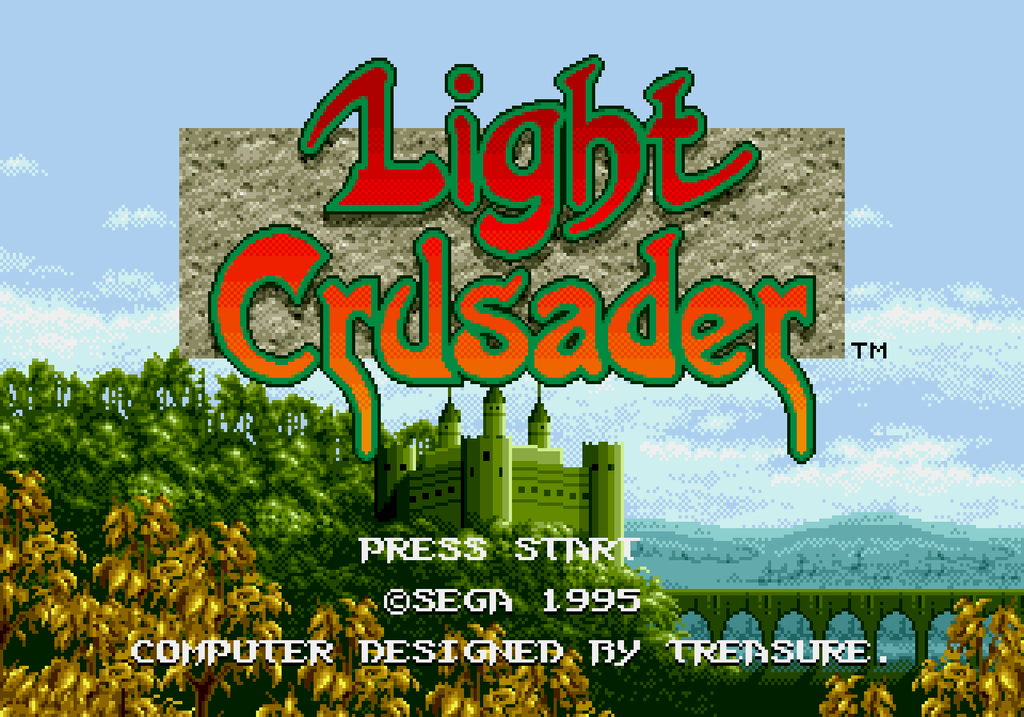
Light Crusader Action Replay Codes (USA)
Light Crusader Action Replay Codes (Europe)
Light Crusader Game Genie Codes (USA)
Light Crusader (Beta) Game Genie Codes (USA)
Light Crusader Game Genie Codes (Japan)
Light Crusader Game Genie Codes (Korea)
Light Crusader - Codes, Cheats and Passwords
Height Editor: This only adjusts how high or how low each tile is on the map. First, the TEST2 code must be activated. Back in gameplay, hold X and press A: if done correctly, you'll see a lamp with no light where David is, plus a 5x5 grid. The lamp is your "cursor" — wherever it is, you're editing that tile's height. The grid shows the surrounding tiles and the lamp's tile: an empty square means it's walkable on, a square with an "X" means it's not, and an empty bold square means the tile is in the foreground (if applicable). Controls to adjust tile heights: A toggles the tile foreground/background (also works for "X" tiles, even if you see no change); B lowers the tile by 1; C raises it by 1; Y resets the tile to be walkable on and with 0 height; Z makes the tile not walkable on (by raising it to the maximum height). Height adjustments of sprites (David, townspeople, treasure chests, etc.) will always immediately and clearly be seen; adjustments to anything else may or may not be visible depending on the room. If you raise a tile too high, it becomes unwalkable on. To exit the editor, hold X and press A again. To fix some graphical glitches still seen, go to the pause menu and back to the game. No changes to the room are saved after you leave it. The height editor lets you make the game easier by reaching high-up areas with ease, and can access rooms intentionally left out by the developers.
Test, Test2 and Debug Mode: TEST MODE: pause the game, go to MODE, uncheck all items, then press Down 8 times. This lets you view sprites, a Sound Test, text messages, and more. TEST2 MODE: after activating TEST MODE above, pause the game and enter the new TEST option, then press Up, A, Right, A, Left, A, Down, A. This lets you view rooms, errors, system info, etc. DEBUG MODE: after activating TEST MODE and TEST2 MODE, kill yourself until you get Game Over; at the Load Select screen there should be a new option called DEBUG, letting you jump to any part of the game and use debug features in your inventory.
Secret Room: On Level 4 there is a room where David and the zombies appear to have doubles — apparently a reflection off a giant mirror. After you kill the zombies, jump up on a box in the center and push against the mirror to enter a secret room that contains a pendant.