
Dragon Ball Z: Buyuu Retsuden Guides and Walkthroughs
This page here will share minor tidbits, tricks, cheats and hints about Dragon Ball Z: Buyuu Retsuden. As with many of the other guides on my website these are designed to be very google friendly. If you're stuck, and googling to get done a certain part of the game, that's hopefully how you found this guide!
Dragon Ball Z: Buyuu Retsuden Action Replay Codes (Japan)
Dragon Ball Z: Buyuu Retsuden Game Genie Codes (Japan)
Dragon Ball Z: Buyuu Retsuden - Codes, Cheats and Passwords
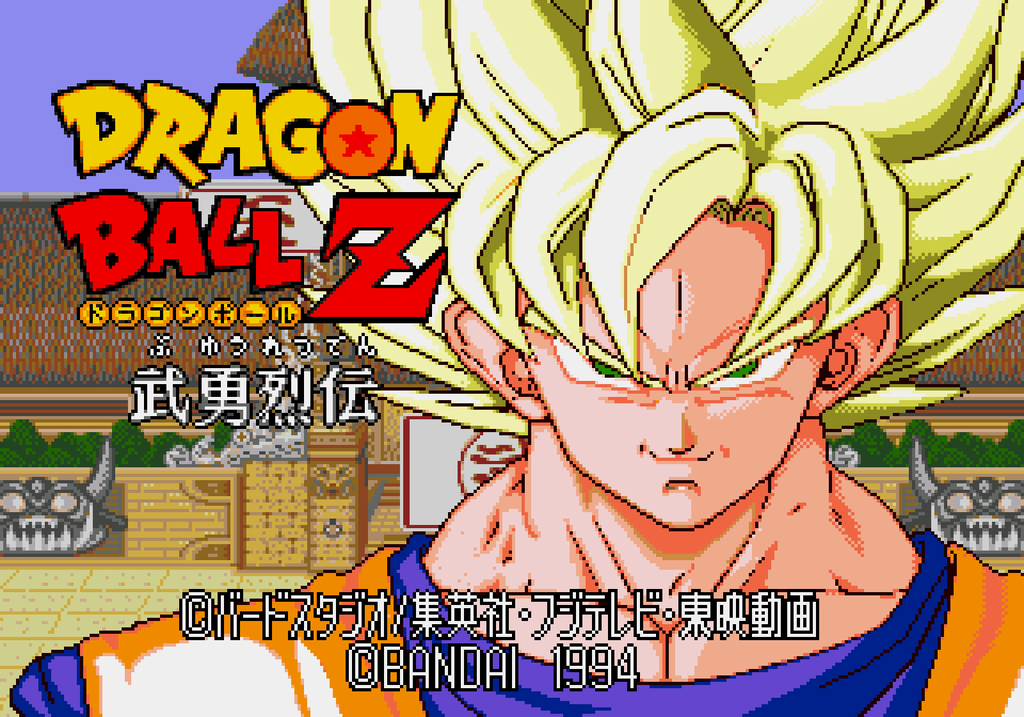
Turbo Mode: Before turning on the power, press and hold A and B. Wait until the screen shows Gokou's face, then press Start and the sky on the Title Screen turns orange.
Access Option 2 and Commande Aids (Movelists): From the Main Menu, access the Options Menu; this takes you to Option 1, the normal screen for controller configuration and toggling BGMs. To reach Option 2, highlight Option 1 at the very top and press A or C once — Option 2 lets you change the difficulty, set the number of continues in Single Player Mode, toggle the Commande Aide (Movelist) on or off, and access the Music and Sound Test. To access the Commande Aids, highlight Option 2 at the very top and press A or C again; a Commande Aids screen appears. The character's name is listed with all their special moves; highlight a move to see its command inputs shown above the character's name — for example, Sangoku's (Son Goku) first move Balle De Feu (Energy Ki Toss) is done by pressing ← → + A. To see other characters' movelists, highlight Sangoku's name and press A or C to cycle through them. This works on both the Japanese and French versions, though this trick is written for the French version.
Random Select: At the Character Select Screen, press X to have the computer select a character for you.
Dragon Ball Z: Buyuu Retsuden Controller Layout & Button Combos