How To Use Codes on the Mupen/RMG Emulator for N64
This guide will go over how to use codes on the Mupen/RMG Emulator for N64. Like many Emulators out there, Mupen comes with some cheats built in. It's not very many cheats, but it's better than nothing. To get started, click on System at the top of the toolbar and scroll down to Cheats. Or just press Alt + C which is the quick command to open the Cheats window.
For the purposes of this guide I am using the game Banjo Kazooie, we'll be using the Banjo Kazooie (Version 1.1) Gameshark Codes.
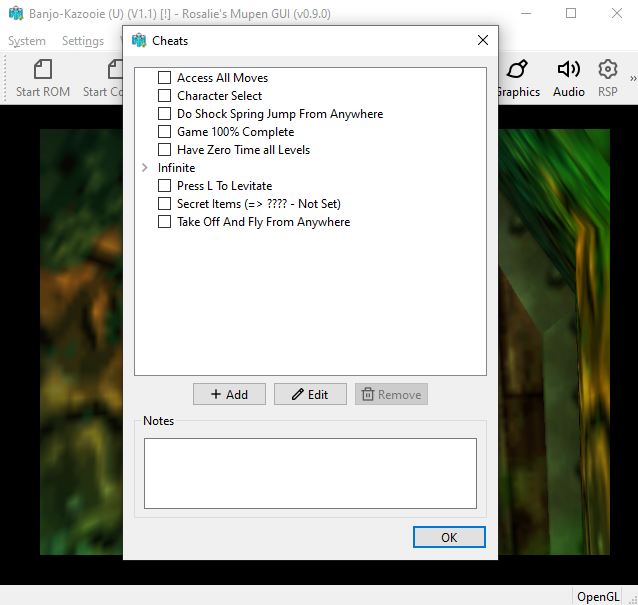
Click to enlarge this picture
When you open the window you'll automatically see the cheats available for the game (pictured above). As you can see Banjo Kazooie only came with 8 cheats and none of them are that great for the regular player... You can click on these cheats and then click Edit to see how they're setup if you'd like.
In order to add your own cheat to this list you'll want to click on + Add at the bottom of the window, this will bring up another window (pictured below). The code I am using as an example in the picture can be found below too.
Infinite Notes: 80385183 0063
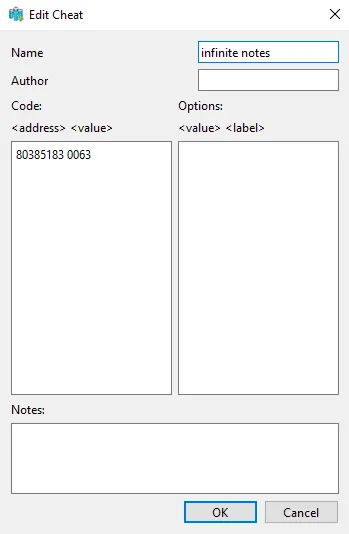
Name is where you'll put the name of the code and the code itself goes into the left box. The box on the right is for modifier codes which will have multiple variables. Once you've input your code correctly head back to the previous window and make sure there is a check mark next to it. This will let you know that it's currently enabled.
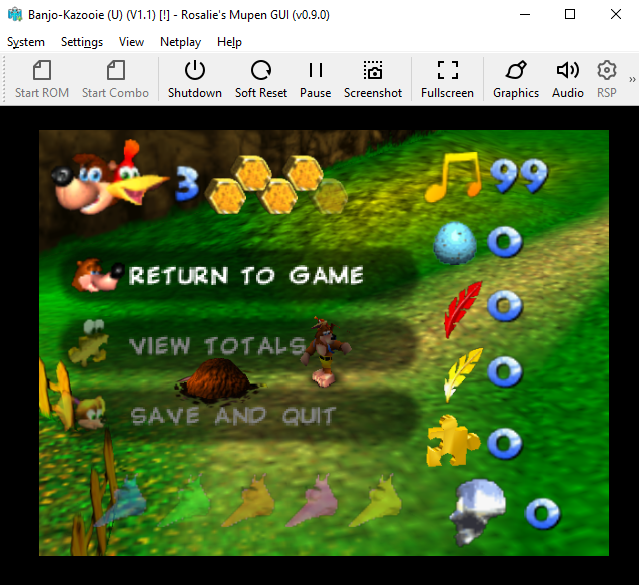
All that's left to do is return to the game and check to see if your code is working. We used an Infinite Notes code so that means we need to check how many Notes we have. As you can see in the picture below, we have 99 Notes at the very start of the game which means the code is working.